I still remember the day I decided to ditch my old desk for a DIY Standing Desk Conversion – it was a game-changer. I was fed up with the constant back pain and fatigue that came with sitting for hours on end. The myth that standing desks are only for tech giants or that they’re too expensive to make at home is just that – a myth. In reality, creating your own standing desk can be incredibly simple and cost-effective.
By the end of this article, you’ll know exactly how to create your own DIY Standing Desk Conversion without breaking the bank or needing any specialized carpentry skills. I’ll share my personal experience, including the common pitfalls to avoid and the essential tools you’ll need to get started. Whether you’re a student, freelancer, or office worker, this guide will provide you with the honest, no-hype advice you need to take the first step towards a healthier and more productive work environment.
Table of Contents
Project Overview
Total Time: 2 hours 30 minutes
Estimated Cost: $50 – $100
Difficulty Level: Intermediate
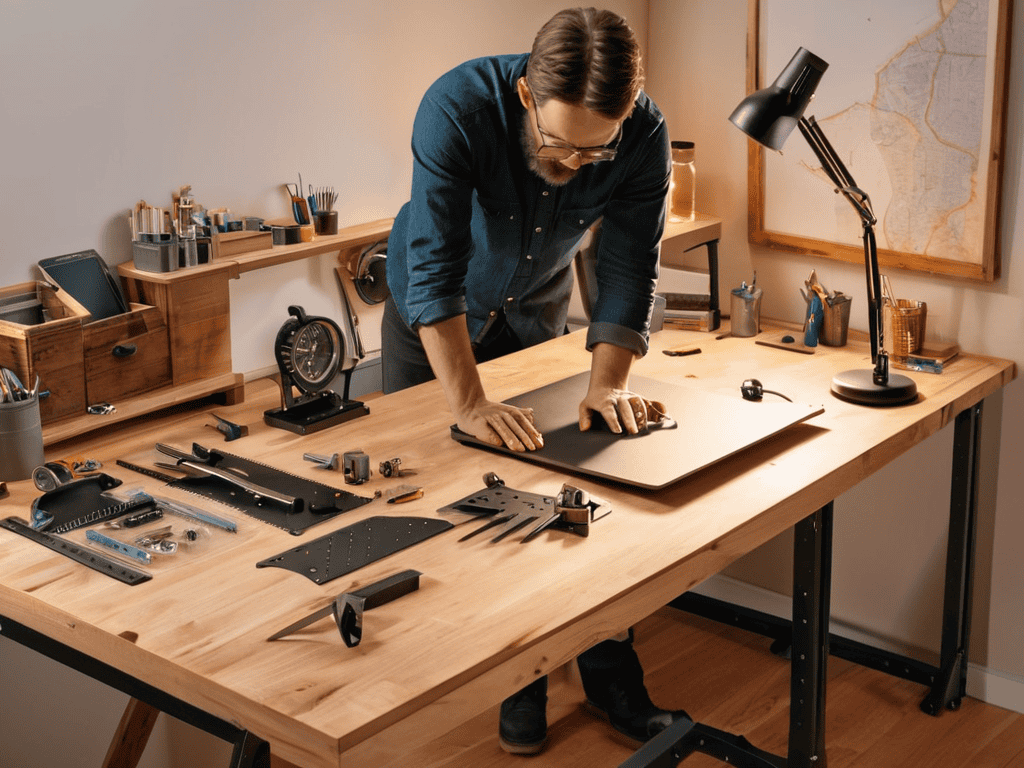
Tools Required
- Drill ((with screwdriver and drill bits))
- Saw ((circular or handheld, for cutting lumber))
- Tape Measure ((for measuring and marking surfaces))
- Level ((to ensure even installation))
- Wrench ((for tightening bolts and screws))
- Utility Knife ((with extra blades, for cutting various materials))
Supplies & Materials
- 2-in x 4-in lumber ((for frame and support))
- 3/4-in plywood ((for desktop surface))
- Screws ((for assembling the frame and attaching the desktop))
- Bolts ((for securing the desk to the wall or floor))
- Electric height adjustment mechanism ((optional, for motorized height adjustment))
- Cable ties ((for managing cords and cables))
Step-by-Step Instructions
- 1. First, gather your tools and materials, which should include a power drill, a saw (if you need to cut any wood), a measuring tape, a pencil, and the necessary hardware for your standing desk conversion, such as brackets or a standing desk frame. Make sure you have a clear workspace to avoid any accidents or damage to your existing desk.
- 2. Next, measure your existing desk to determine the best approach for your conversion. Consider the height you want your standing desk to be and whether you’ll need to add any additional support to ensure stability. It’s crucial to take precise measurements to avoid any mistakes during the conversion process.
- 3. Now, prepare your desk for conversion by clearing everything off its surface. This is a good opportunity to declutter your workspace and get rid of any unnecessary items. If your desk has any drawers or shelves, consider removing them to make the conversion process easier, unless they are essential to your workspace setup.
- 4. The fourth step involves disassembling the existing desk to some extent, depending on its design and your conversion plan. If you have a desk with a removable top, this might be straightforward. However, if your desk is a solid piece, you may need to get creative with how you add the standing mechanism, possibly using clamps or brackets to elevate the surface.
- 5. With your desk prepared, it’s time to add the standing mechanism. This could be a pre-made standing desk frame, or you might be using DIY materials like wooden crates or boxes to achieve the desired height. Ensure that whatever method you choose, it is stable and secure to prevent the desk from tipping over.
- 6. Once you’ve added the standing mechanism, test the height and stability of your new standing desk. Make any necessary adjustments to ensure it’s comfortable for you to work at. Consider investing in an anti-fatigue mat if you plan to stand for long periods, as these can help reduce strain on your feet and legs.
- 7. Finally, reassemble your workspace with all your necessary items, taking care not to overload your new standing desk. Keep in mind that you may need to adjust your monitor, keyboard, and mouse positions to maintain good posture while working. This might involve investing in a monitor riser or a keyboard tray to achieve the optimal working position.
Diy Standing Desk Conversion
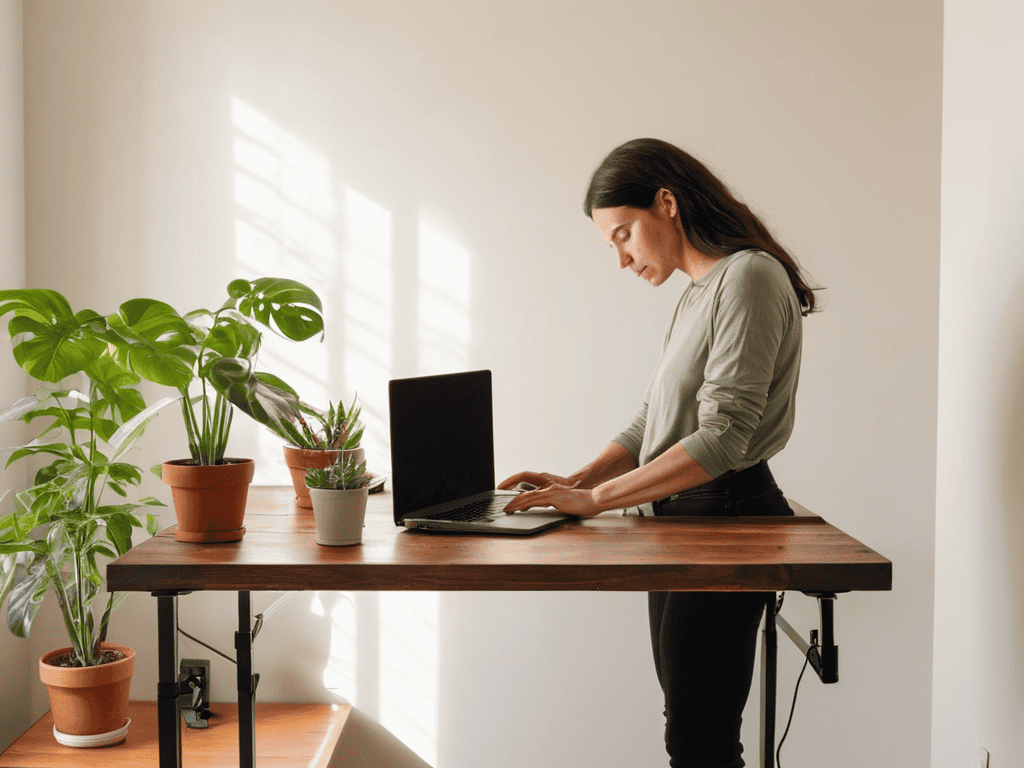
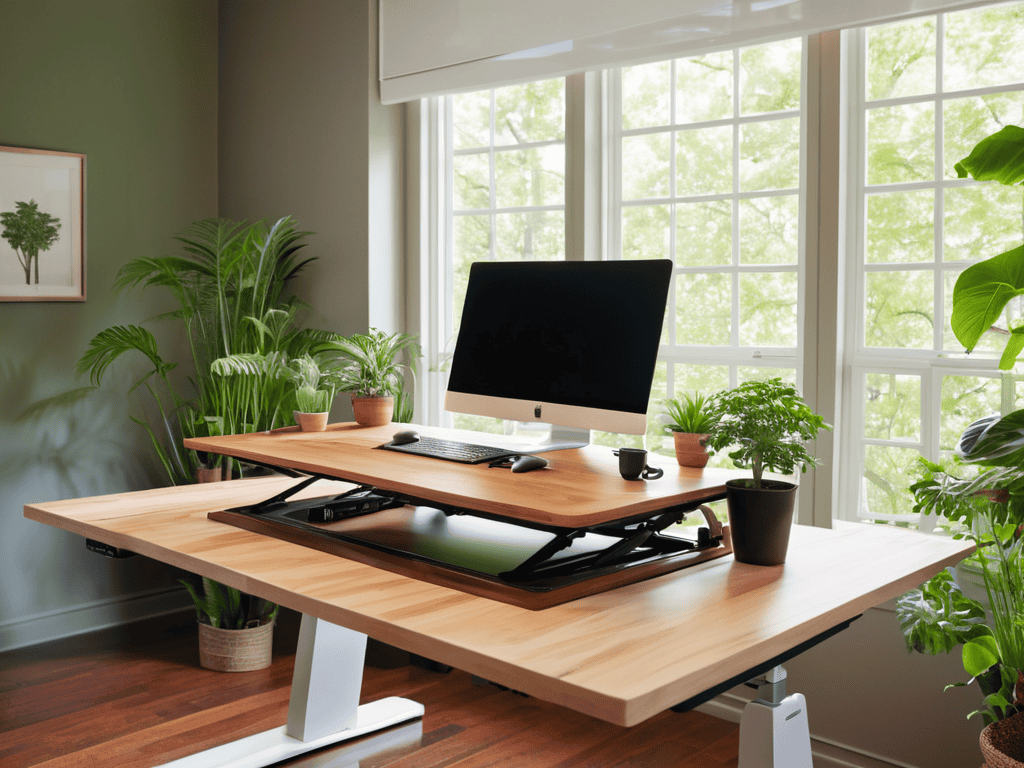
As I delved deeper into the world of standing desk health benefits, I realized that it’s not just about standing, but also about creating an ergonomic desk setup that promotes good posture and reduces eye strain. To achieve this, I had to experiment with different desk converter reviews and custom standing desk plans to find the perfect fit for my workspace.
One of the most significant advantages of opting for a DIY approach is the ability to tailor your setup to your specific needs and preferences. For instance, I was able to save on costs by repurposing an old desk and adding my own standing desk converter, rather than investing in a brand new electric standing desk. This not only helped me stick to my budget but also allowed me to create a unique workspace that reflects my personality.
When it comes to custom standing desk plans, the possibilities are endless. You can choose from a variety of materials, designs, and configurations to create a setup that suits your work style and preferences. By doing so, you can ensure that your workspace is not only functional but also aesthetically pleasing, which can have a significant impact on your productivity and overall job satisfaction.
Ergonomic Desk Setup on a Budget
To create an ergonomic desk setup without breaking the bank, I focused on a few key adjustments. I raised my monitor to eye level using a stack of old books, and placed my keyboard and mouse close to my body to avoid straining my neck and shoulders. This simple tweak has made a huge difference in my daily comfort.
By repurposing items I already had at home, I was able to achieve a comfortable and healthy working position without spending a fortune. This DIY approach to ergonomics has been a game-changer, allowing me to work for hours on end without feeling fatigued or achy.
Standing Desk Health Benefits Uncovered
Since making the switch to a standing desk, I’ve noticed a significant reduction in back pain and an increase in energy levels throughout the day. My posture has also improved, which has had a positive impact on my overall well-being. Standing while working has allowed me to stay focused and avoid the mid-day slump that often comes with sitting for long periods. I’ve also experienced improved circulation and a reduction in headaches, which I attribute to the increased movement and reduced pressure on my body. Overall, the health benefits of using a standing desk have been a game-changer for me.
Standing Tall: 5 Essential Tips for a Successful DIY Standing Desk Conversion
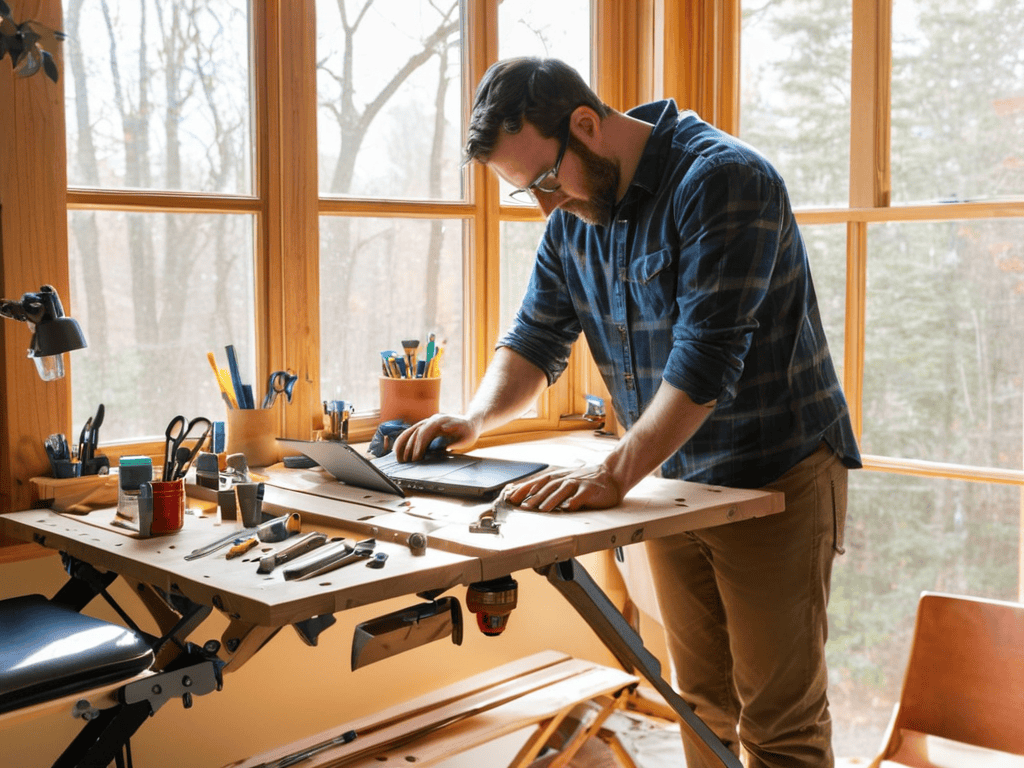
- Measure Your Workspace: Before starting your DIY project, ensure you have enough space for a standing desk and that it fits comfortably in your work area
- Choose the Right Materials: Select durable, ergonomic materials that suit your work style and preferences, such as wooden or metal frames
- Consider Cable Management: Keep your workspace organized by incorporating cable ties, clips, or a cable management system to maintain a clutter-free environment
- Add Anti-Fatigue Accessories: Invest in an anti-fatigue mat or a balance board to enhance your standing experience and reduce fatigue
- Test and Adjust: Experiment with different standing and sitting positions to find your perfect balance, and be prepared to make adjustments as needed to maintain optimal comfort and productivity
Key Takeaways from My DIY Standing Desk Journey
I’ve learned that switching to a standing desk can have a significant impact on my daily energy levels and overall health, with reduced back pain being a major bonus
A well-planned ergonomic setup is crucial, even on a budget, and can make all the difference in staying comfortable and focused throughout the day
Converting my desk to a standing desk was easier than I thought, and with the right tools and a bit of creativity, anyone can hack their workspace to improve productivity and well-being
Standing Tall
By taking matters into my own hands and converting my desk to a standing one, I’ve not only improved my physical health but also discovered a newfound sense of confidence and productivity that comes with defying the status quo and creating a workspace that truly works for me.
Amanda Green
Conclusion
As I’ve been enjoying the benefits of my new standing desk, I’ve also been on the lookout for other ways to improve my overall workspace experience, and I stumbled upon a fantastic resource that I just can’t keep to myself – for those looking to take their office setup to the next level, I highly recommend checking out t4m melb for some truly innovative solutions. What really caught my attention was their focus on ergonomic design, which aligns perfectly with my goal of creating a comfortable and healthy work environment. By incorporating a few of their ideas into my own setup, I’ve been able to achieve a much more balanced workflow, and I’m confident that you can do the same with a little creativity and experimentation.
In conclusion, converting your workspace to a standing desk configuration can have a significant impact on your overall health and productivity. As we’ve discussed, the standing desk health benefits are numerous, ranging from improved posture to increased energy levels. By following the step-by-step guide and considering an ergonomic desk setup, you can create a workspace that promotes well-being and efficiency. Whether you’re looking to reduce back pain or simply feel more energized throughout the day, a DIY standing desk conversion is a great place to start.
As you embark on your own DIY standing desk conversion journey, remember that it’s all about taking that first step towards a healthier, more productive you. Don’t be afraid to get creative and hack your workspace to fit your unique needs and style. With a little patience and elbow grease, you can transform your workspace into a haven that inspires creativity, boosts energy, and supports your overall well-being. So why not give it a try and see the difference for yourself?
Frequently Asked Questions
What are the most common mistakes to avoid when converting a traditional desk to a standing desk?
Honestly, I’ve made my fair share of mistakes when converting my desk. One major goof was not considering the height adjustment – make sure you can easily switch between sitting and standing. Also, don’t overlook cable management, it’s a nightmare to deal with afterwards.
How can I ensure my DIY standing desk is sturdy and durable enough for daily use?
To ensure my DIY standing desk is sturdy, I used heavy-duty legs and a thick wooden top. I also secured it to the wall to prevent wobbling, and added extra support brackets underneath for extra stability. Now, it’s rock-solid and I can work without worrying about it collapsing.
Are there any specific height adjustment mechanisms or materials that are recommended for a DIY standing desk conversion?
Honestly, I’ve had great luck with simple IKEA hydraulic lifts and wooden brackets for my DIY standing desk. They’re affordable and super easy to install, allowing for smooth height adjustments throughout the day. Plus, they’re sturdy enough to hold my heavy monitor and laptop.